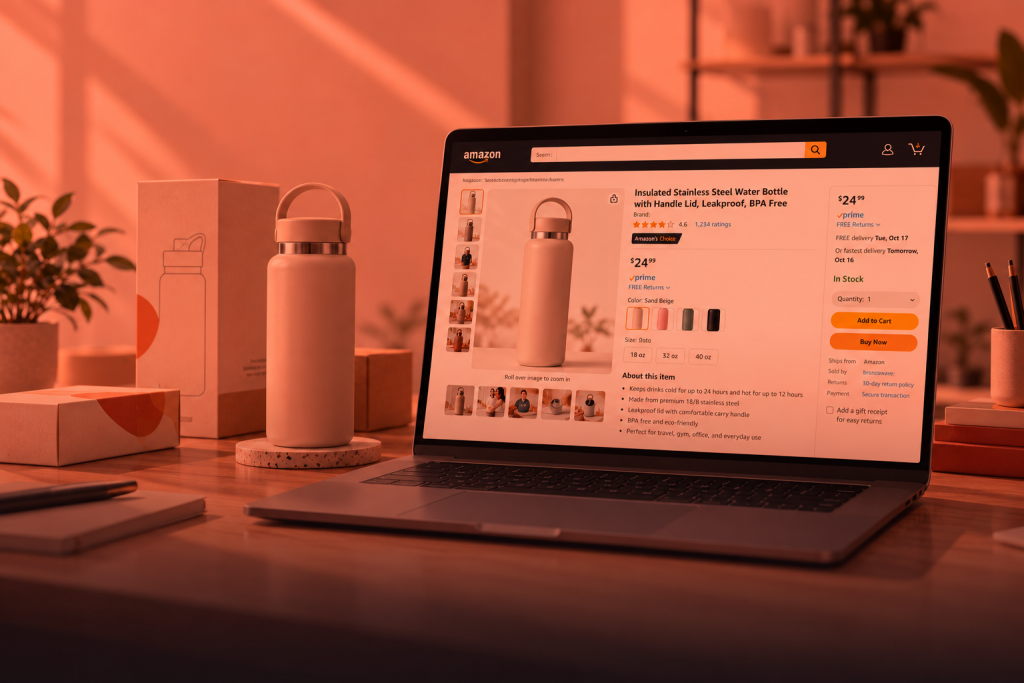
Split Testing on Amazon Product Listings: A Guide to Improving Sales

A small improvement in your Amazon conversion rate can generate significant additional revenue without increasing your advertising budget. For example, if your product receives 10,000 monthly visitors and currently converts at 10%, that is 1,000 sales per month. Increasing the conversion rate by just 1 percentage point, from 10% to 11%, would generate 100 additional sales. If your product sells for $30, that is an extra $3,000 in monthly revenue, or $36,000 per year, from the same amount of traffic.
Yet many sellers still make listing changes based on assumptions rather than actual customer behavior.
Amazon Split Testing allows brands to identify exactly what drives more clicks, conversions, and sales by comparing different versions of their product listings using real shopper data. Instead of guessing which image, title, or content layout works best, sellers can make informed decisions based on measurable results.
In this guide, we’ll explain how Amazon Split Testing works, what elements you can test, and how to use Amazon’s Manage Your Experiments tool to optimize your listings for higher performance.
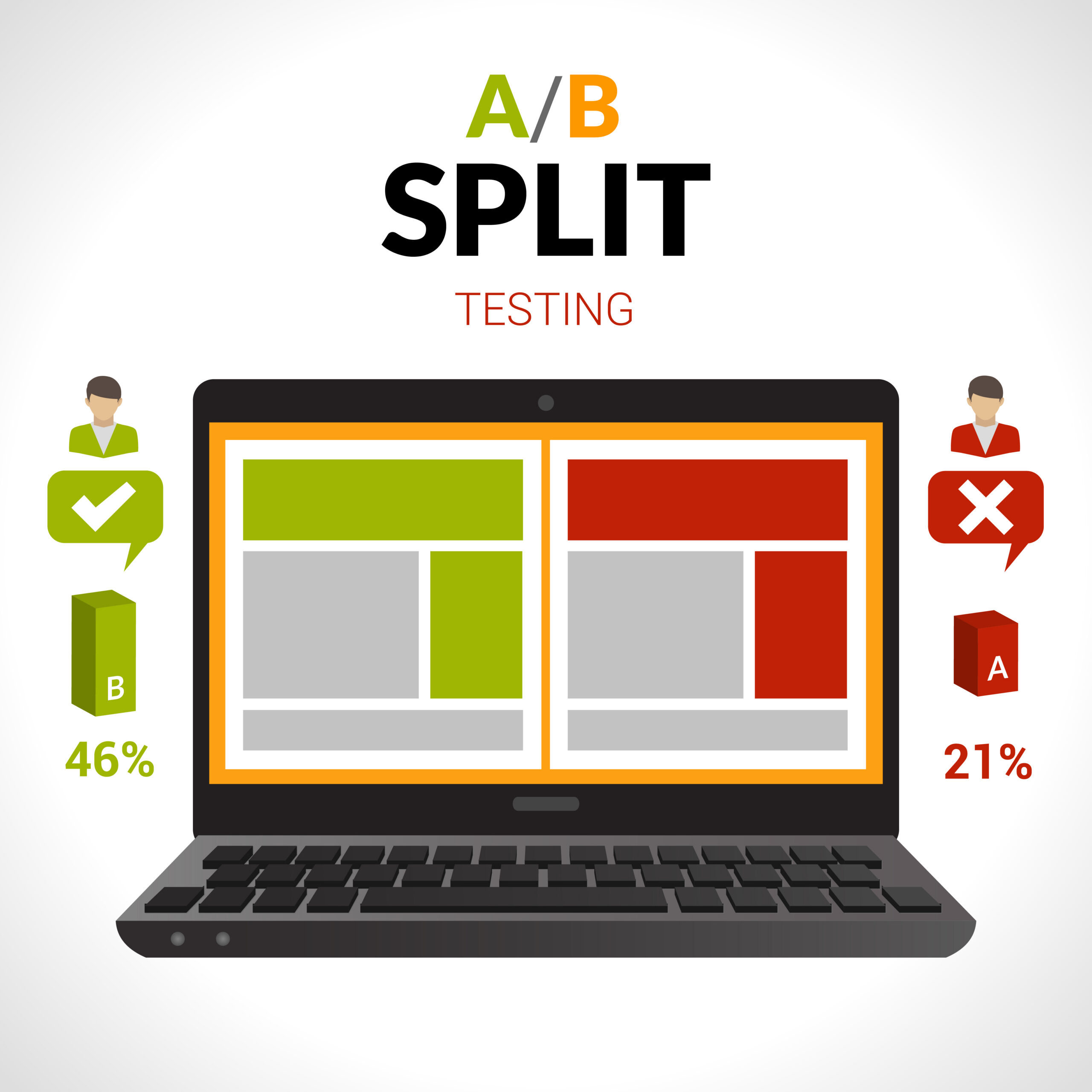
What Is Amazon Split Testing?
Amazon Split Testing, also known as Amazon A/B Testing, is the process of comparing two versions of a product listing element to determine which one performs better.
Amazon shows different versions of your content to separate groups of shoppers and tracks the results over time. The goal is to identify which variation generates better performance in key metrics such as:
- Click-Through Rate
- Conversion Rate
- Sales Revenue
- Customer Engagement
Through Amazon’s Manage Your Experiments tool, eligible brand owners can test listing content and make data-driven decisions rather than relying on personal preferences or assumptions.

Why Split Testing Matters
Many sellers update their listings based on what they think looks better. However, customer behavior often reveals surprising insights.
Split testing helps you:
- Increase click-through rates
- Improve conversion rates
- Generate more sales
- Better understand customer preferences
- Reduce guesswork
- Optimize listings using real performance data
Even a modest improvement in conversion rate can result in substantial revenue growth over time, especially for products with consistent traffic.

Who Can Use Amazon Split Testing?
Amazon Split Testing is available through the Manage Your Experiments feature in Seller Central.
To be eligible, sellers typically need:
- An active Amazon Brand Registry account
- Brand-owned products
- Eligible ASINs enrolled in the program
If your brand is registered with Amazon Brand Registry, you can access Manage Your Experiments directly from Seller Central and begin testing approved listing elements.
What Elements Can You Test?
Amazon allows sellers to test several key product listing components. Each element can influence shopper behavior in a different way, from search visibility to purchase confidence.
Product Titles
Product titles play a major role in both search visibility and shopper engagement.
You can test:
- Keyword-first titles
- Benefit-focused titles
- Feature-focused titles
- Different title structures
- Placement of size, quantity, or product specifications
Version A
Premium Stainless Steel Water Bottle – 32 oz Insulated Flask
Version B
32 oz Insulated Water Bottle – Keeps Drinks Cold for 24 Hours
Main Images
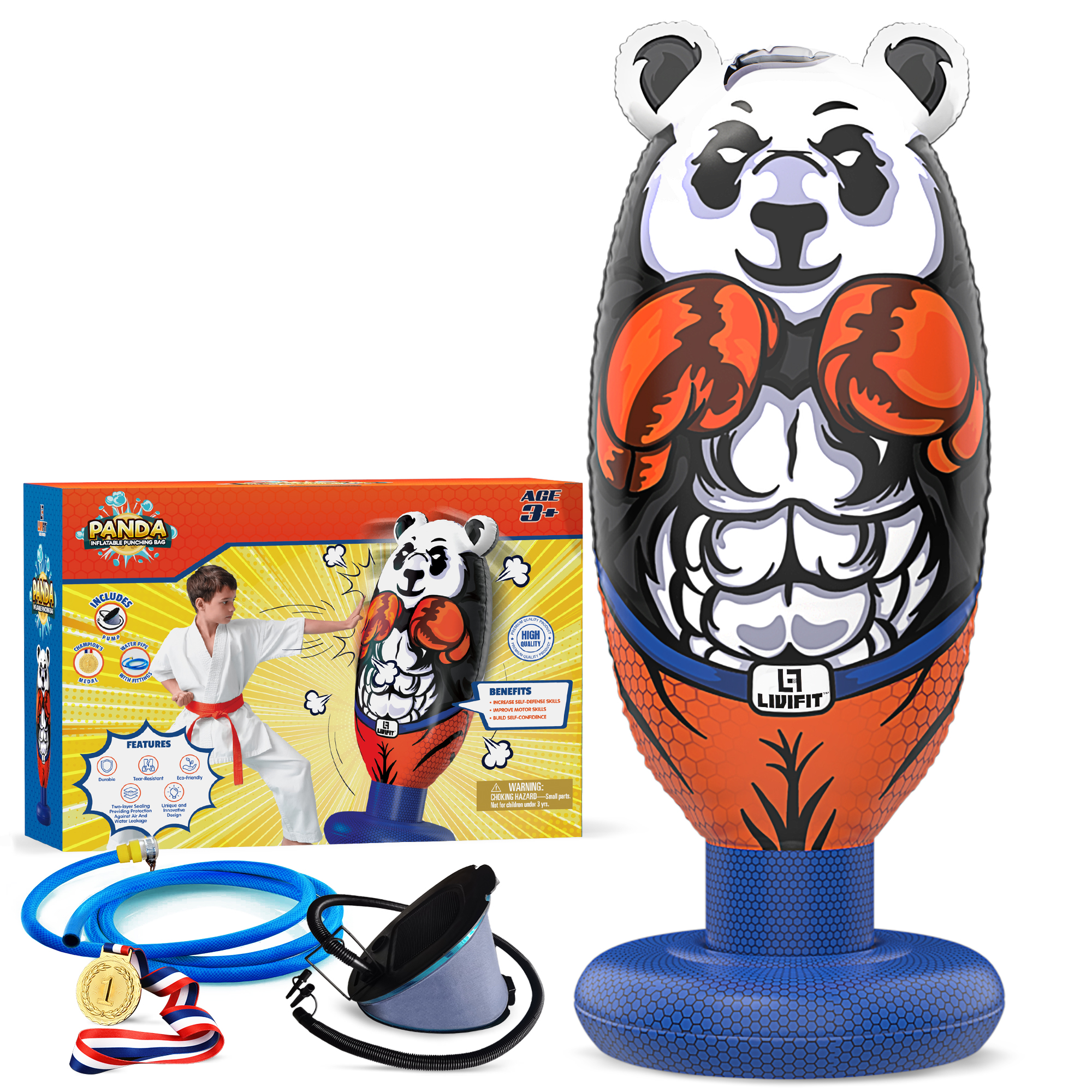

Your main image is often the first thing shoppers notice in search results.
Common image tests include:
- Product-only images
- Different product angles
- Packaging shown vs. hidden
- Different lighting styles
- Product in use, where applicable and compliant
A+ Content
A+ Content can significantly impact conversions by providing more detailed product information.
Consider testing:
- Banner designs
- Comparison charts
- Feature callouts
- Lifestyle imagery
- Module layouts
- Brand storytelling sections
Product Descriptions

Descriptions help reinforce purchase decisions.
You can test:
- Benefit-driven copy
- Feature-focused copy
- Short-form vs. detailed descriptions
- Different formatting structures
What Should You Test First?
Not all listing elements have the same impact. A recommended testing priority is:
- Main Image
- Product Title
- A+ Content
- Secondary Images
- Product Description
For many products, the main image has the greatest influence on click-through rates, while titles and A+ Content often have a stronger impact on conversion rates.

Example of an Amazon Split Test
Imagine you sell a set of resistance bands.
Version A
The main image shows the resistance bands neatly arranged on a white background.
Version B
The main image shows an athlete actively using the resistance bands during a workout.
After several weeks, Amazon reports the following results:
| Metric | Version A | Version B |
|---|---|---|
| Click-Through Rate | 2.7% | 3.5% |
| Conversion Rate | 10.8% | 13.9% |
| Sales Revenue | $4,100 | $5,300 |
The results indicate that shoppers were more likely to click and purchase when they saw the product being used in a real-world context.
This insight can then be applied across similar products within the catalog.
How to Run a Split Test on Amazon
Access Manage Your Experiments
Log in to Amazon Seller Central and navigate to Brands > Manage Your Experiments.
Choose a Product
Select an eligible ASIN from your catalog.
Select What to Test
Choose whether you want to test the product title, main image, A+ Content, or product description.
Create Two Versions
Prepare your control version and your new variation.
- Control: Current version
- Variation: New version
Launch the Experiment
Amazon will automatically divide traffic between both versions.
Monitor Performance
Allow the experiment to collect sufficient data before making conclusions.
Review Results
At the end of the testing period, Amazon will identify the winning variation based on customer engagement and sales performance.

Best Practices for Successful Split Testing
Test One Change at a Time
Changing multiple elements simultaneously makes it difficult to determine what influenced the results.
Focus on High-Traffic Listings
Products with more visitors generate results faster and provide more reliable data.
Use a Clear Hypothesis
Before starting a test, define what you expect to happen.
Example: “We believe a lifestyle image will increase conversions because it helps customers visualize product usage.”
Give the Test Enough Time
Most Amazon experiments run between 8 and 12 weeks to gather sufficient data.
Continue Optimizing
Winning one experiment does not mean your listing is fully optimized. Continuous testing often reveals additional opportunities to improve performance.

Final Thoughts
Amazon Split Testing is one of the most effective ways to improve product listing performance. By testing titles, images, descriptions, and A+ Content, sellers can discover what resonates most with customers and make decisions based on actual shopping behavior.
Instead of guessing what works, split testing allows you to use real data to increase clicks, improve conversions, and maximize sales. For brands looking to stay competitive on Amazon, regular A/B testing should be an essential part of every listing optimization strategy.
Get Started with CreativeBlox!
If your Amazon listing images are not getting enough clicks or conversions, it may be time to adopt a better strategy.
At CreativeBlox, we help brands create high-converting visual content for Amazon. From Amazon listing images and Amazon product photography to 3D product rendering, and product packaging design, we build visuals that help your products stand out and sell better.
Whether you are launching a new product, improving an existing listing, or building a stronger brand presence on Amazon, our team can help you create a clear and professional image system that supports growth.
Ready to improve your Amazon listing?
Contact CreativeBlox today , and let’s create visuals that turn more shoppers into customers.
About CreativeBlox
CreativeBlox is a professional design studio specializing in packaging design, branding, product photograph, and e-commerce content for Amazon and online retail. We help brands move from concept to market with confidence, accuracy, and consistency.