



Using Figma for Graphics? The Pros, Cons, and Reality Nobody Talks About

What to Know Before You Commit
Figma is a cloud-based design platform originally created for user interface (UI) and digital product design. It allows designers and non-designers alike to create, view, and collaborate on visual layouts directly in a web browser. Unlike traditional design software that runs on a single machine, Figma operates entirely online, enabling multiple users to work on the same file simultaneously.
While Figma was built for digital screens, its capabilities extend beyond UI and web design. It supports layout creation, typography, image placement, components, and design systems. These features make it attractive for early-stage branding, presentations, and visual exploration.
Because of this ease and accessibility, Figma has quickly become a go-to design platform for many teams, and some clients now request Figma files even for projects intended for print and packaging. This is not necessarily a problem, but it does require clarity. Figma can support certain stages of a packaging workflow, while other stages still demand tools built specifically for physical production.
However, it does require an understanding of what the tool was designed to do and what it was not. Figma excels at communication, speed, and alignment, but packaging design ultimately lives in the physical world, where color, structure, materials, and manufacturing constraints must be addressed with precision.
Rather than framing this as a debate between “right” and “wrong” tools, the more useful question is how Figma should be used responsibly in print and packaging, and how to use it thoughtfully within a workflow that respects the realities of physical production.
The Pros of Using Figma for Print and Packaging
Where Figma adds speed, alignment, and collaboration value.
Figma allows clients, marketers, and product teams to review designs instantly without installing software. Comments, markups, and discussions happen directly in the file, reducing friction and miscommunication.

For early concept exploration and layout design, Figma is quick and flexible. Designers can test multiple layout directions, image placements, and typographic hierarchies without prematurely worrying about production constraints.

Because Figma runs entirely in the browser, it removes technical barriers for stakeholders who are not designers. This makes it easier for founders, managers, and cross-functional teams to stay involved.

The Cons of Using Figma for Print and Packaging
Where Figma falls short for production accuracy and manufacturing requirements.
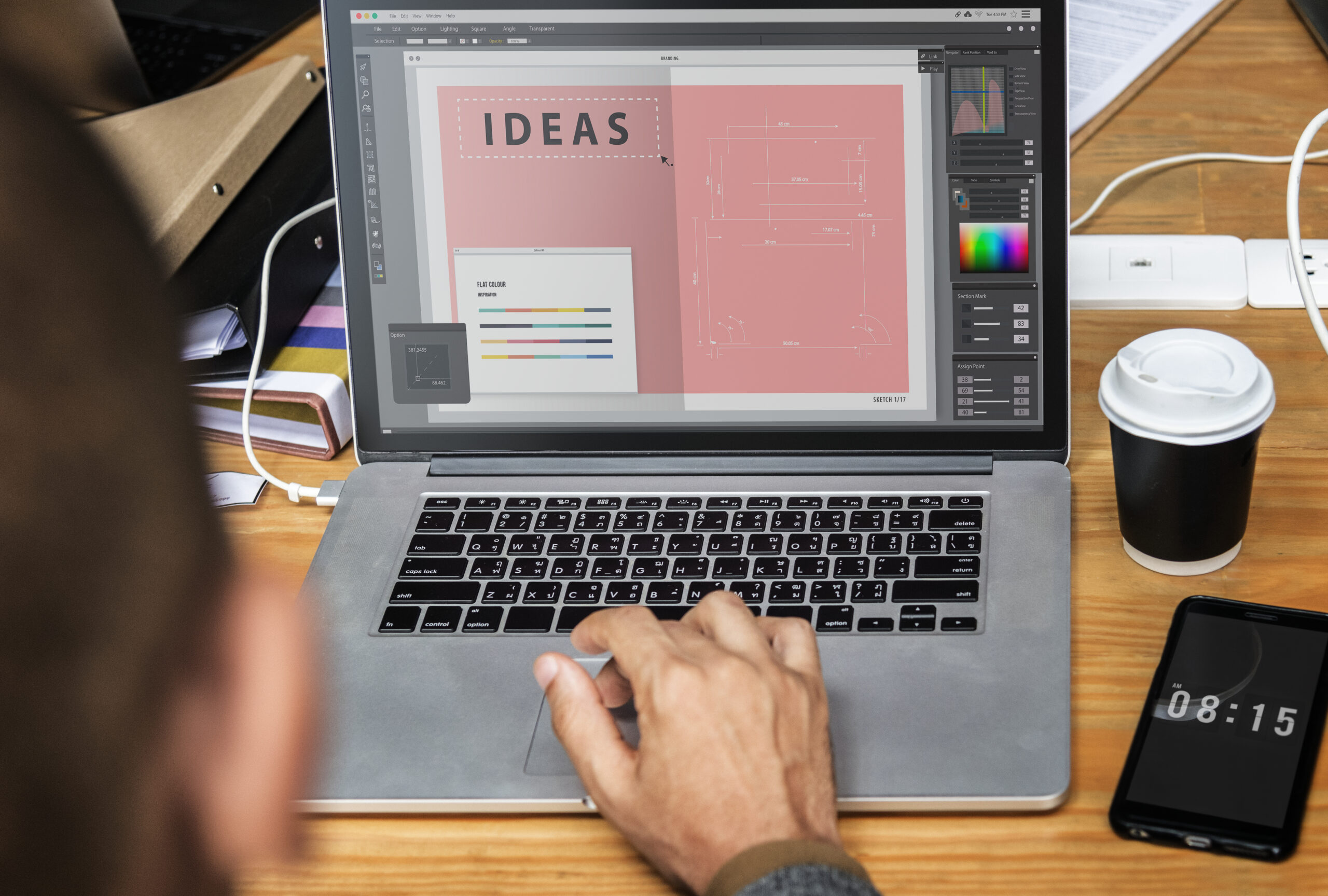
Figma works exclusively in RGB. Packaging, however, is printed using CMYK, spot colors, and specialty inks such as metallics, foils, or varnishes. There is no reliable way in Figma to preview how colors will convert or behave on press.

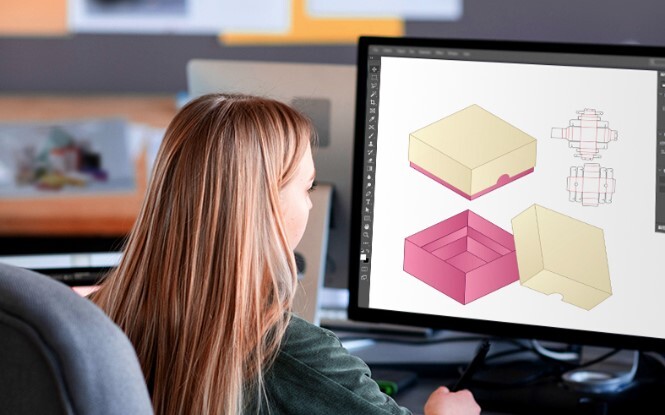
Packaging design depends on precise control of trim, bleed, safety zones, glue panels, and non-printable areas. While guides can be drawn in Figma, they cannot be enforced. Bleed is not true bleed, and nothing prevents elements from being accidentally moved.
Print typography is far less forgiving than screen typography. Small text, regulatory copy, kerning, tracking, and font licensing all require careful handling, especially on complex substrates.
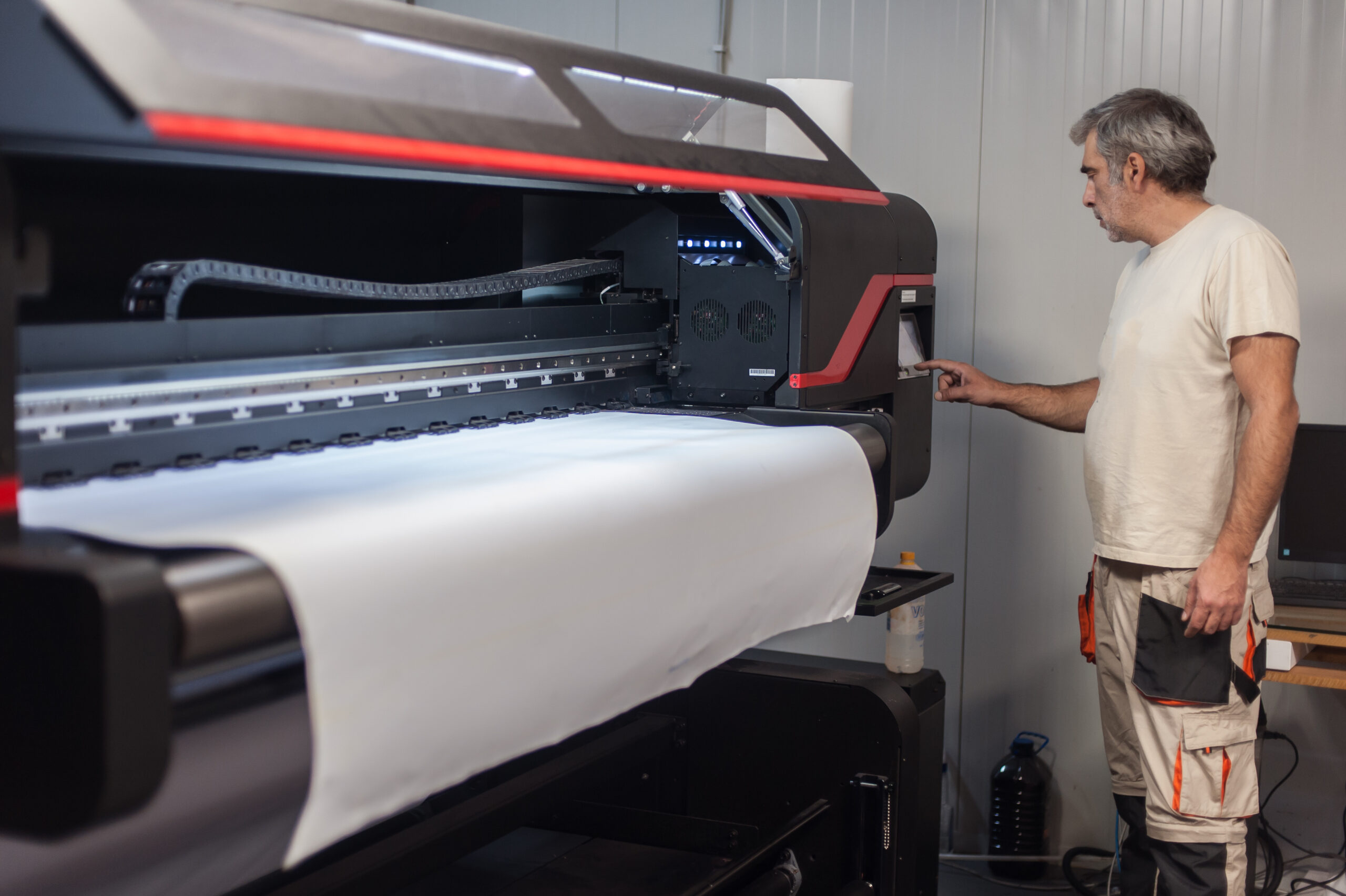
Factories and printers require files with embedded fonts, linked images, spot color control, and prepress settings. Figma cannot generate true print-ready files that meet these requirements.
So Where Does Figma Fit?
Figma works best as a collaboration and presentation tool, particularly for concepts, presentations, and early visual discussions. Collaboration is fast, feedback is easy, and non-designers feel included in the process.
That does not make Figma a bad tool. It simply makes it the wrong tool for the final mile of print and packaging production. Choosing the right tool at the right stage prevents rework, protects budgets, and ensures packaging performs as well in the real world as it does on screen.
A practical workflow looks like this:
- Use Figma for early concepts, layout discussions, and client feedback.
- Use Figma where it adds speed and clarity.
- Use production-ready tools where accuracy, compliance, and cost matter.
- Use professional print tools for final packaging artwork and production files.
AI-generated images are used at the client’s discretion and are reviewed only as visual references. Creativeblox does not use AI-generated images as final design assets and does not guarantee trademark eligibility, copyright ownership, or legal clearance for AI-generated visuals provided by clients. All final deliverables are professionally created, modified, or rebuilt to meet production, branding, and compliance requirements.
Get Started with CreativeBlox
If you are exploring Sigma in your creative process and want to ensure your final designs are production-ready, brand-consistent, and compliant with e-commerce and retail requirements, Creativeblox can help.
We combine experienced design leadership with modern tools, including AI, used thoughtfully and responsibly. The result is professional packaging design, logos, product photography, and e-commerce video content that protect your brand and support long-term growth.
Visit our website to learn more about our services and get in touch with our team. Together, we can elevate your e-commerce game and drive your sales to new heights.
About CreativeBlox
Creativeblox is a professional design studio specializing in packaging design, branding, product photography, and e-commerce content for Amazon and online retail. We help brands move from concept to market with confidence, accuracy, and consistency.
#Figma, #PackagingDesign, #PrintDesign, #DesignWorkflow, #BrandDesign, #ProductPackaging, #GraphicDesign, #DesignTools #CreativeProcess, #DesignCollaboration, #Prepress, #PackagingWorkflow, #DesignForPrint, #BrandConsistency, #ProductionReady